Verify Your Device
When you sign in to Element on a new device (whether a new browser, app, computer, etc), you will be asked to confirm your identity. This requires you to be signed in on another device or to have your recovery key available. Below is the standard process to confirm your identity using another device. If you need assistance at any point, please contact Isaac.
Using another device
- When presented with the confirmation popup, select "Use another device".
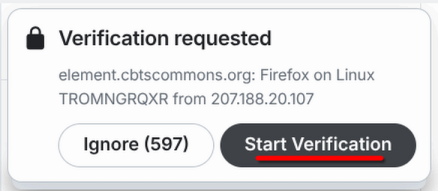
- Open the other "device" (a device can be a browser you are signed in on, your phone app, or desktop app). You will be presented with a verification request. On that other device, select "Start verification".

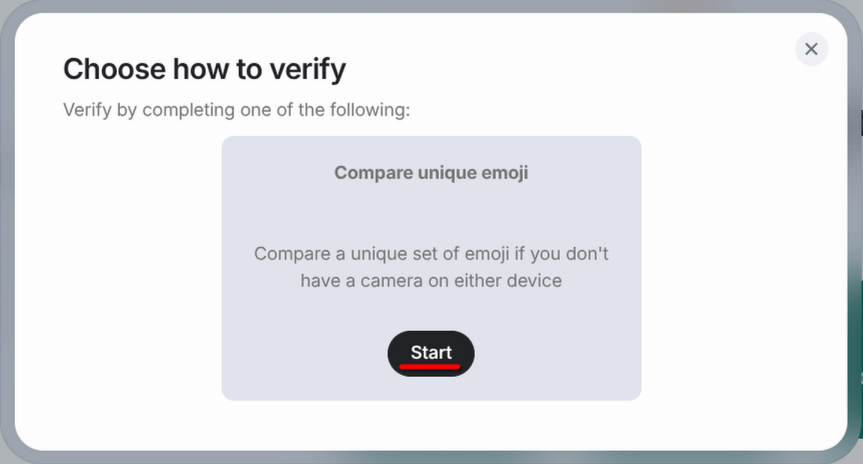
- On the first device, you will be asked to choose a method to verify. There is only one option so select "Start".

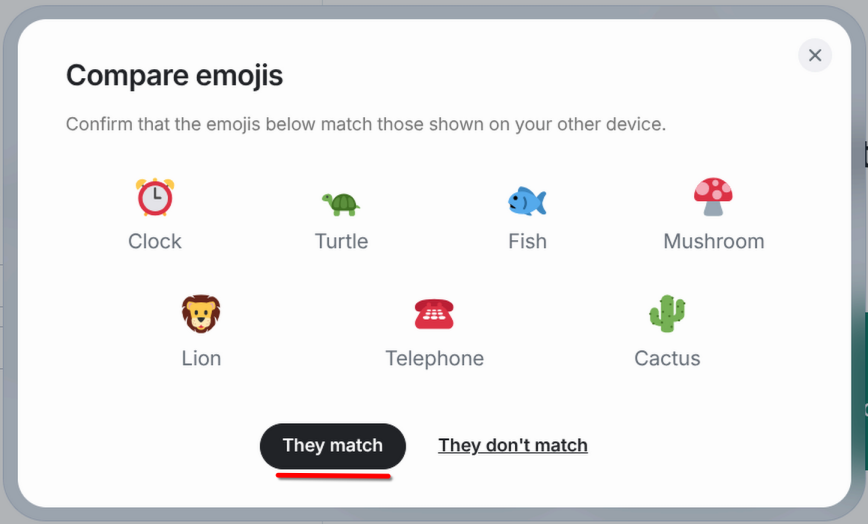
- You will be presented with a short list of emojis on both devices. Check that the emojis on both devices match. If they do, select "They match" on both devices. (The list below will be different than your list.)

- Your device is now verified and ready to us
Using your recovery key
- When presented with the confirmation popup, select "Use recovery key".
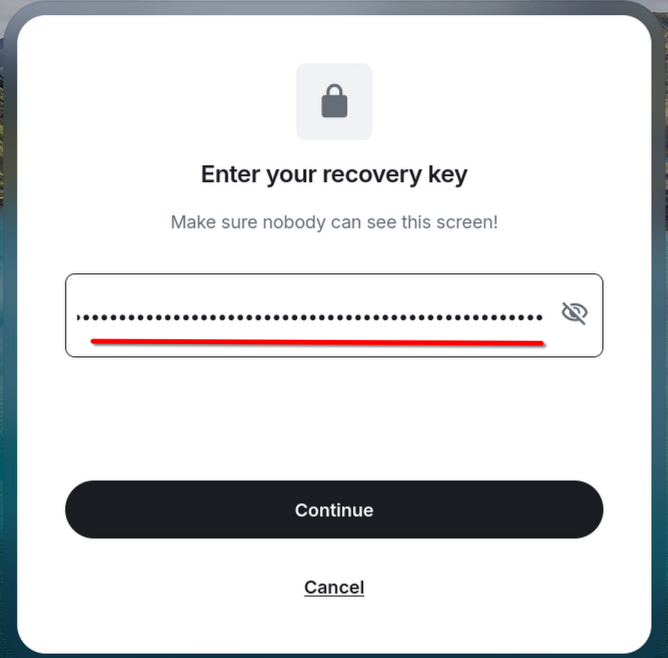
- Enter your saved recovery key in the input box.

- Click "Continue". If you are unable to proceed, you are entering an incorrect recovery key.
- Your new device is now verified.
If you have not yet saved your recovery key, please do so following this guide.