Getting Your Meeting Link
In order for anyone to use Calcom to schedule a meeting with you, you will need to provide them a link.
- Go to the CBTSCommons Calcom homepage. You should see your event types in the main section.
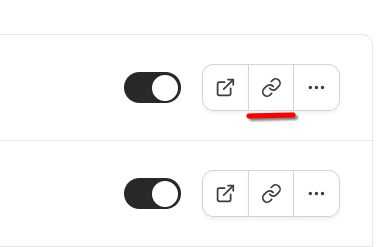
- Find the correct event type (the default events are named by event length). On the far right, click the "link" icon for that event.
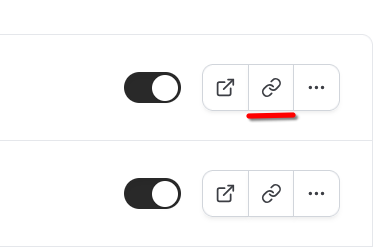
- Your event link is now copied to your clipboard. Paste it in an email, webpage, or wherever you need to put it.