Merging Tickets
The ticket from which you start the merge will retain its ticket number.
- Note the ticket number of the ticket that needs to be merged (
- "View"/Open the ticket that should be merged INTO another ticket.
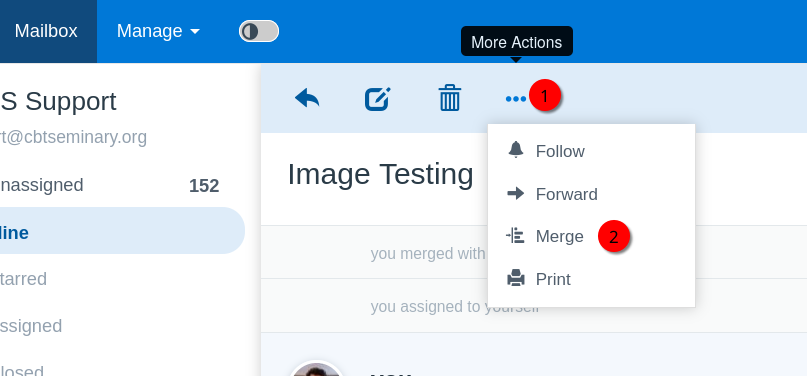
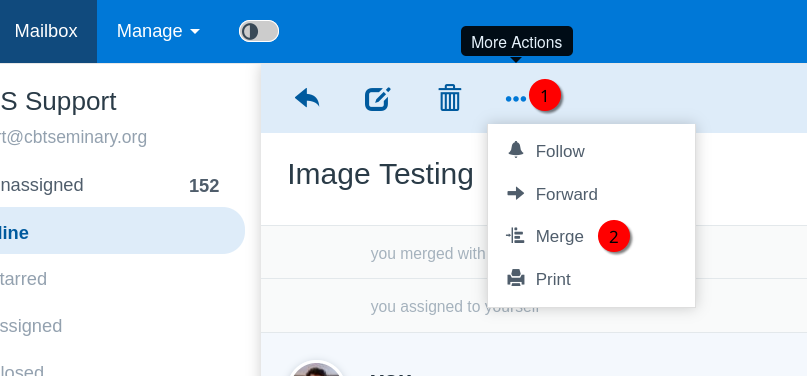
- Under the "More Actions" button, select "Merge".
- Input the ticket number from step 1 into the search box and select "Search". Select the checkbox of the correct ticket in the list.
- Select "Merge".