Viewing Your Tickets
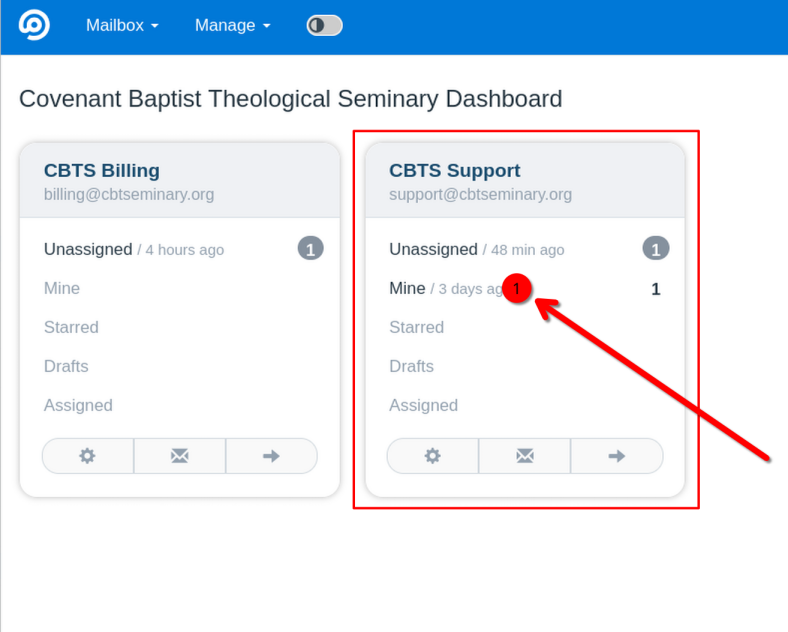
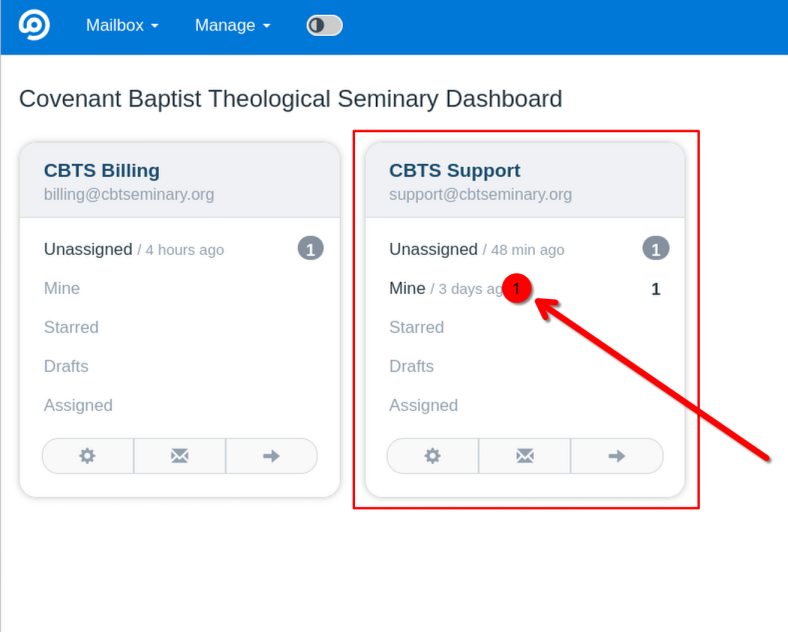
- From the FreeScout home page, find the mailbox that you want to view (you may only have one mailbox). In that mailbox card, click "Mine".
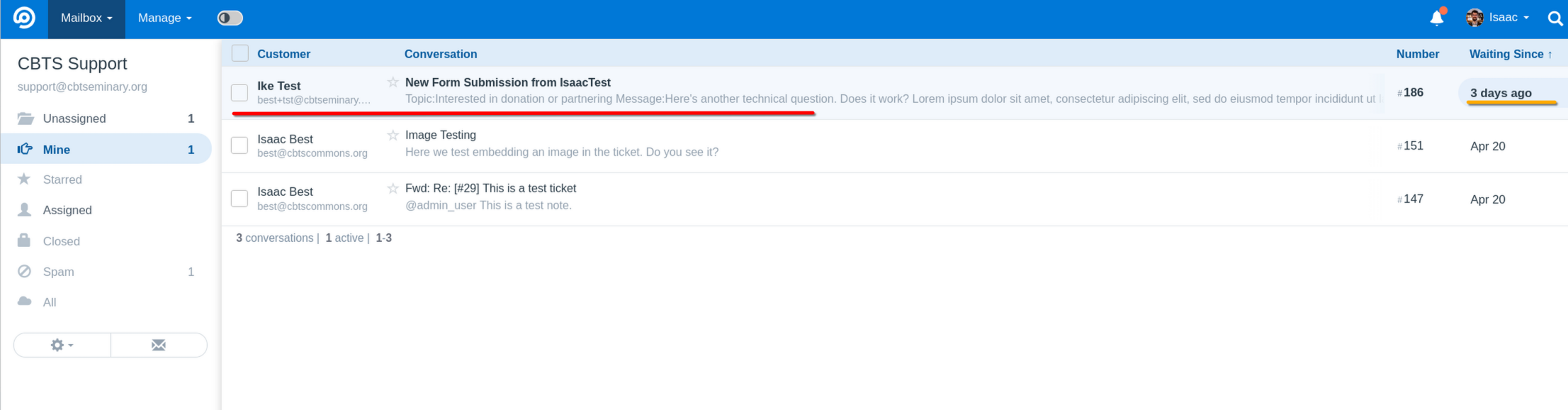
- You will see a list of your tickets with unread tickets at the top and all ticket sorted (by default) by most recent activity.
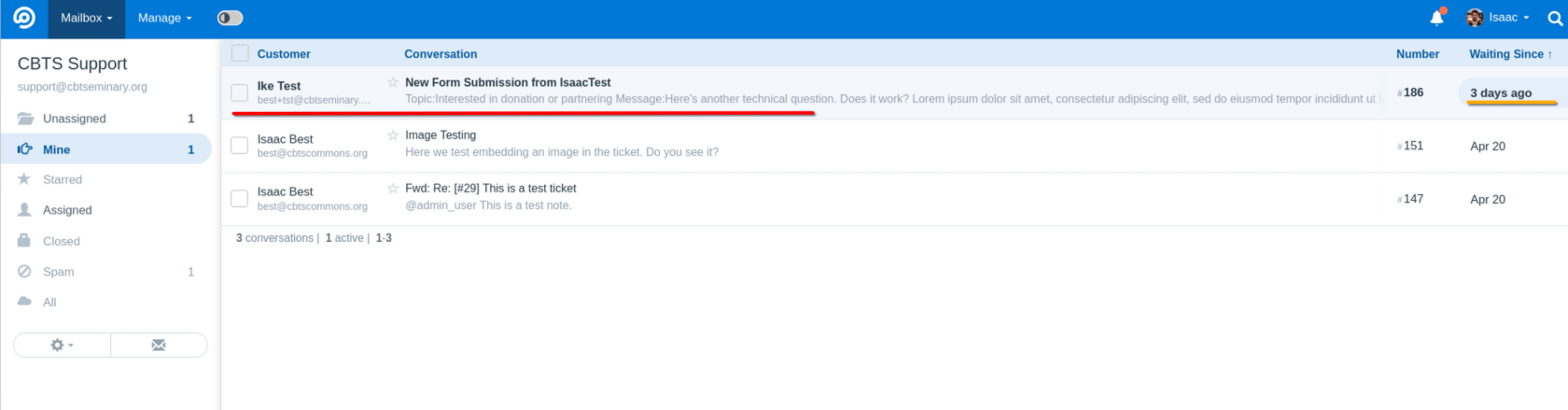
- Click on a ticket to open it.
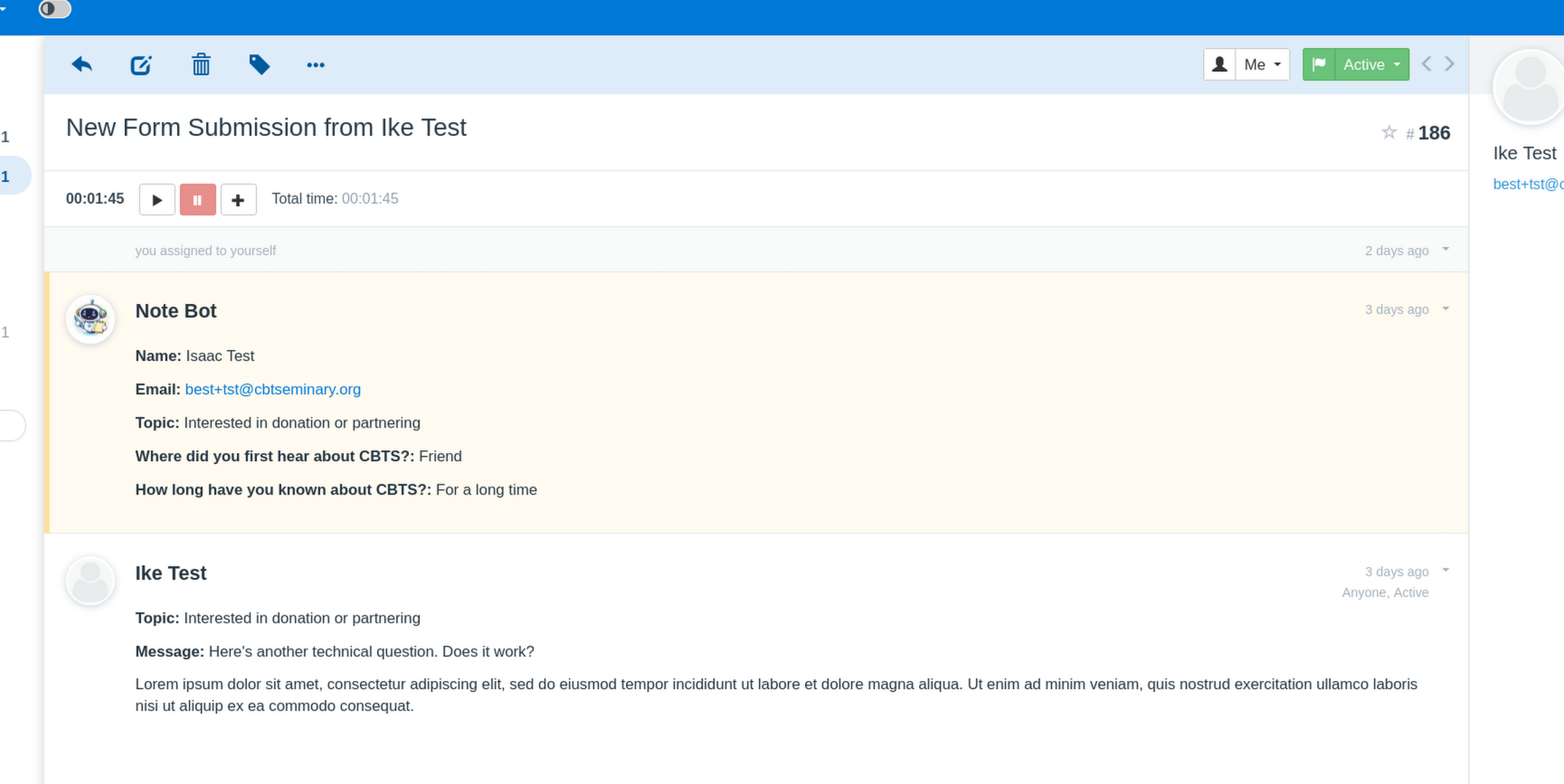
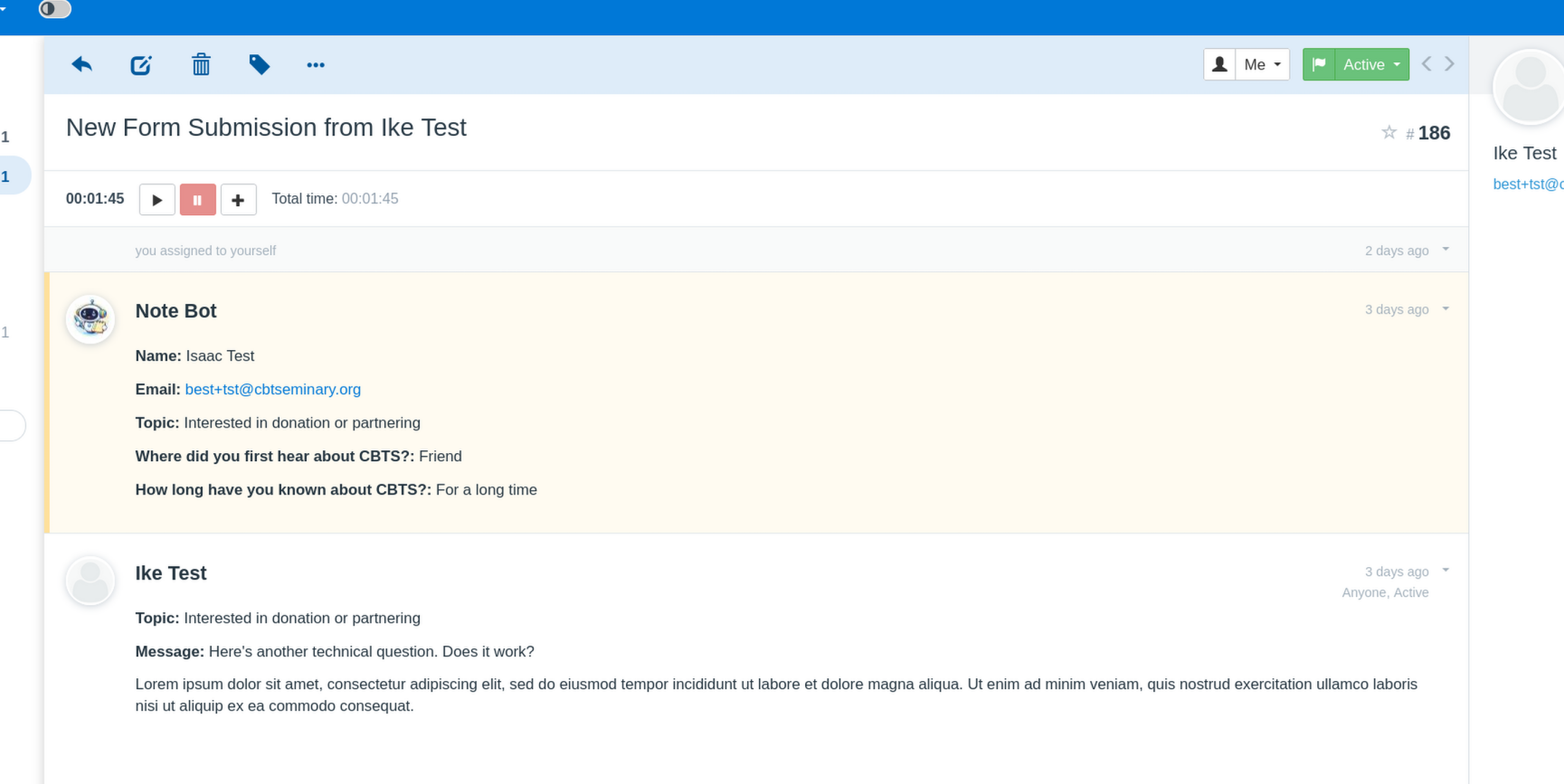
- The ticket will open and you will be presented with the ticket view.