Can't Log in the Bitwarden Extension
If you receive a "KDF Config is Required" error when trying to log in on the Bitwarden extension, the most likely reason for this is that you have entered the Vaultwarden URL incorrectly.
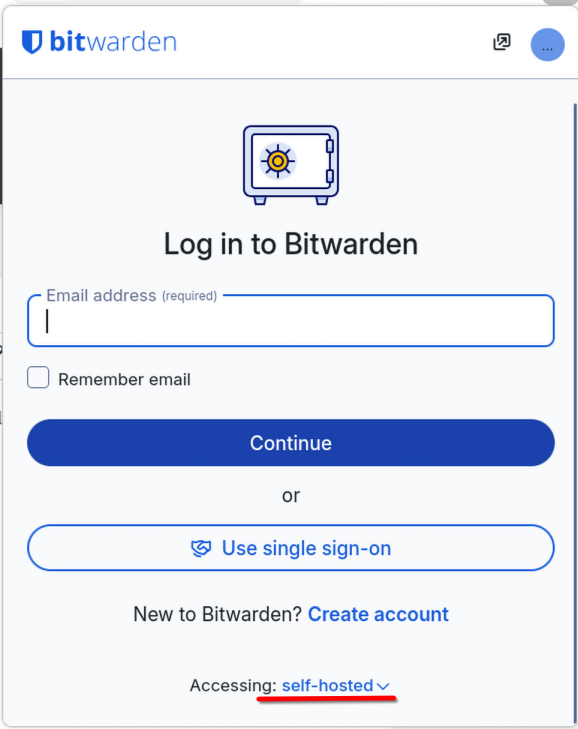
- Open the extension and scroll down to the "Accessing: self-hosted" item. Click it.
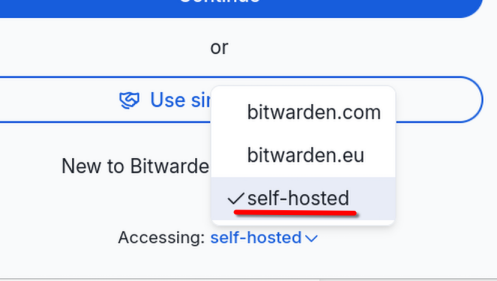
- Click "self-hosted" on the pop-up.
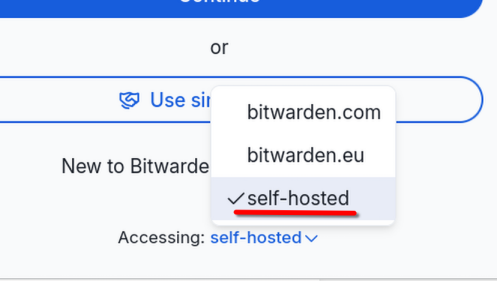
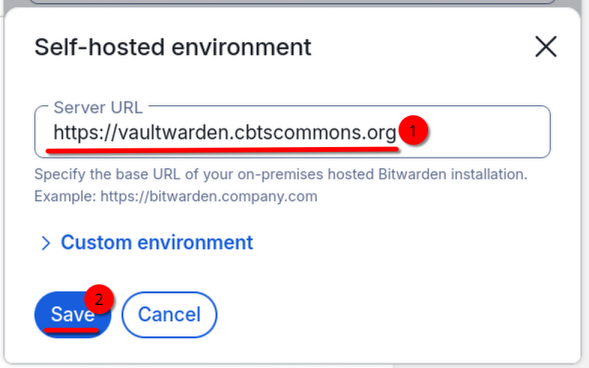
- Make sure you have correctly entered our Vaultwarden address/URL in the text box.
Then click "Save".https://vaultwarden.cbtscommons.org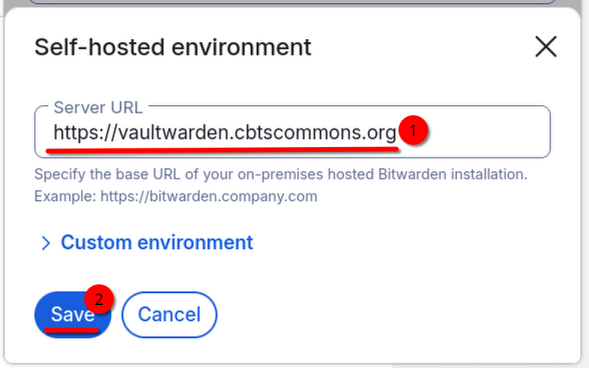
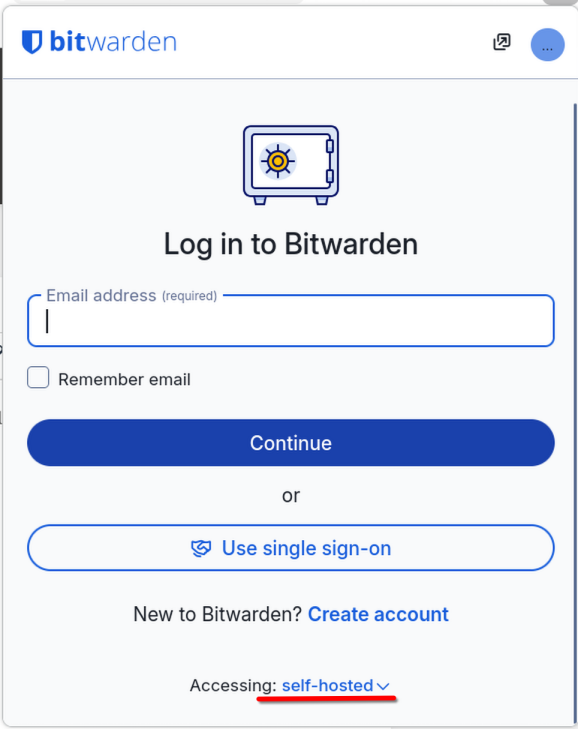
- Try logging in again. If you still encounter errors, contact IT.