Forward all CBTSCommons email to your existing CBTS email address
- Log in to your CBTSCommons email address - https://roundcube.cbtscommons.org
- Select the "Login with Authelia" option.
- If you are not automatically logged in, enter your CBTSCommons credentials & then select "Sign In".
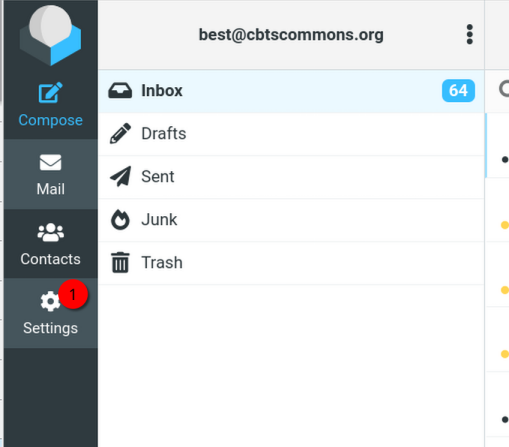
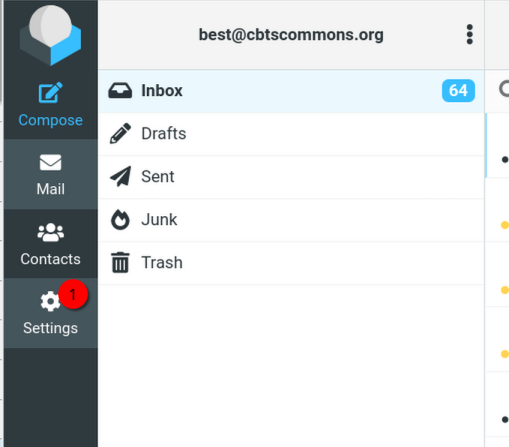
- On the left sidebar, select the Settings (gear) icon.