How can I setup a payment plan?
Use the CBTS Hub to setup a payment plan.
- Access the CBTS Hub from within your Pathway account (you must be logged in).
- Once on the site, you can select the items you want to pay for.
- After making your selections, proceed to checkout.
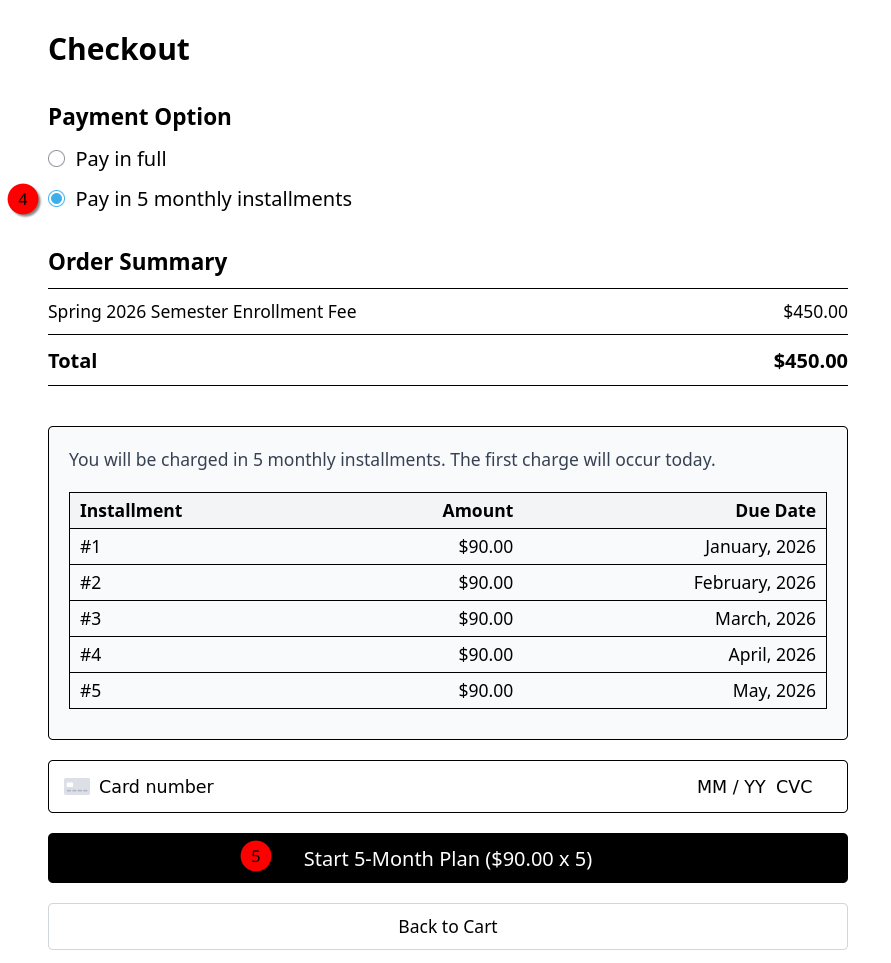
- In the Checkout, select "Pay in 5 monthly installments".
- Enter your payment details and select the "Start 5-Month Plan" button to finish.