Restore a Deleted Ticket
Deleted tickets in FreeScout are placed in the Deleted folder. Tickets in the Deleted folder can be restored.
- If you haven't already, enter the specific mailbox the deleted ticket is in. (We currently only have the Support mailbox.)
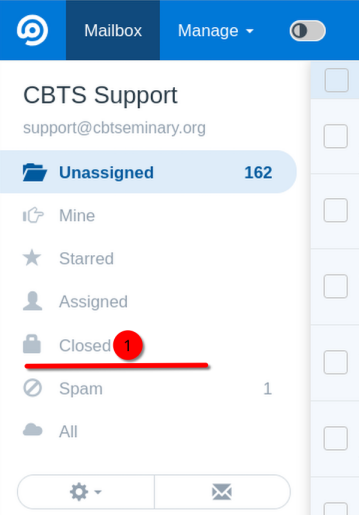
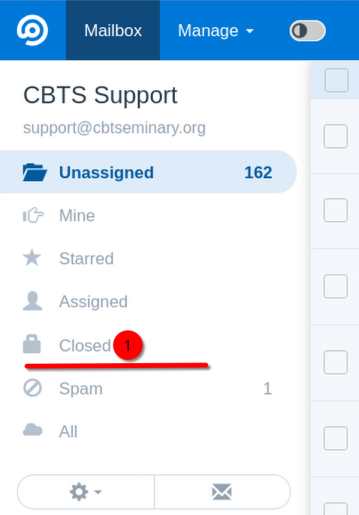
- You will initially be on the "Unassigned" tickets folder. Open the "Closed" tickets folder.
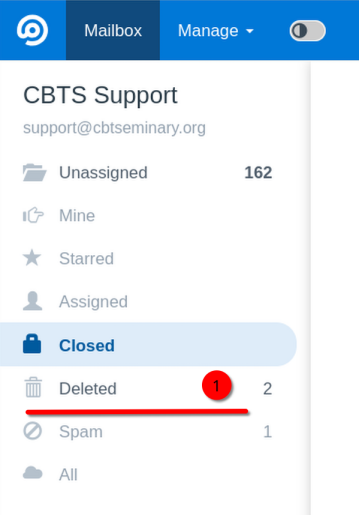
- The "Deleted" folder will appear as a sub-folder to "Deleted". Open the "Deleted" folder.
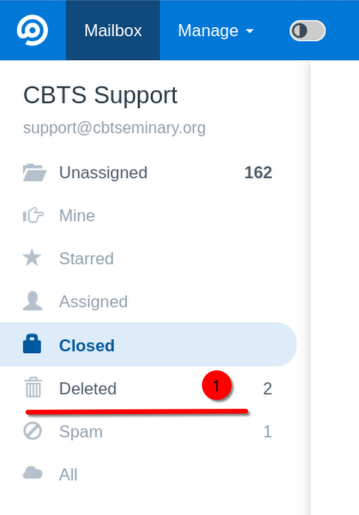
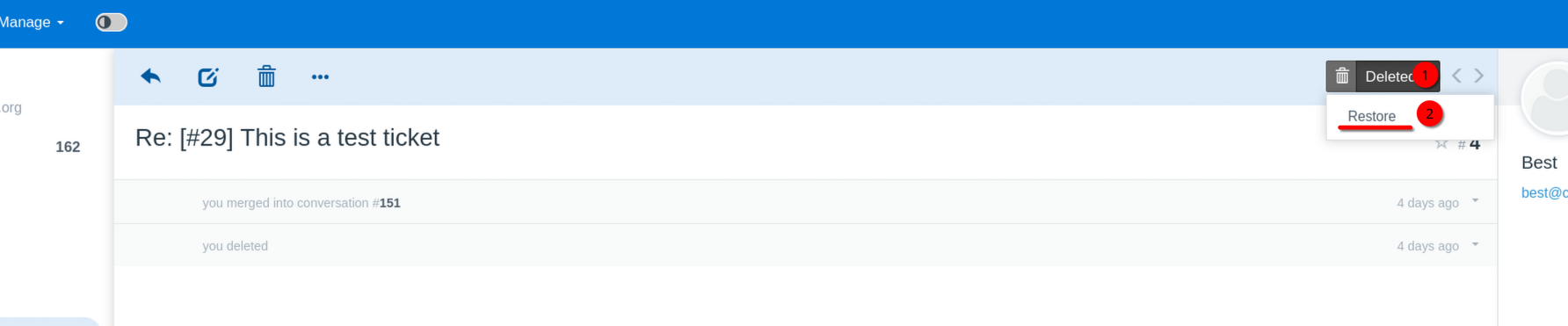
- Select/open the deleted ticket you want to restore.
- On the top right, select the "Deleted" button. Then click "Restore".
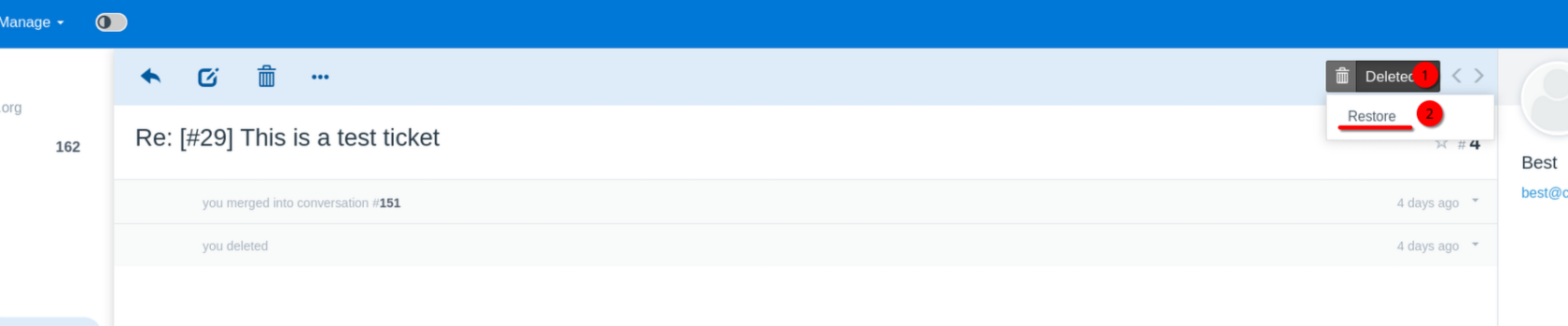
- The ticket has been restored to the folder & assignment it had when it was deleted.