Skip to main content
View All
Search
Shelves
Books
Log in
Info
Content
Books
FreeScout
Replying to a ticket
Replying to a ticket
Once
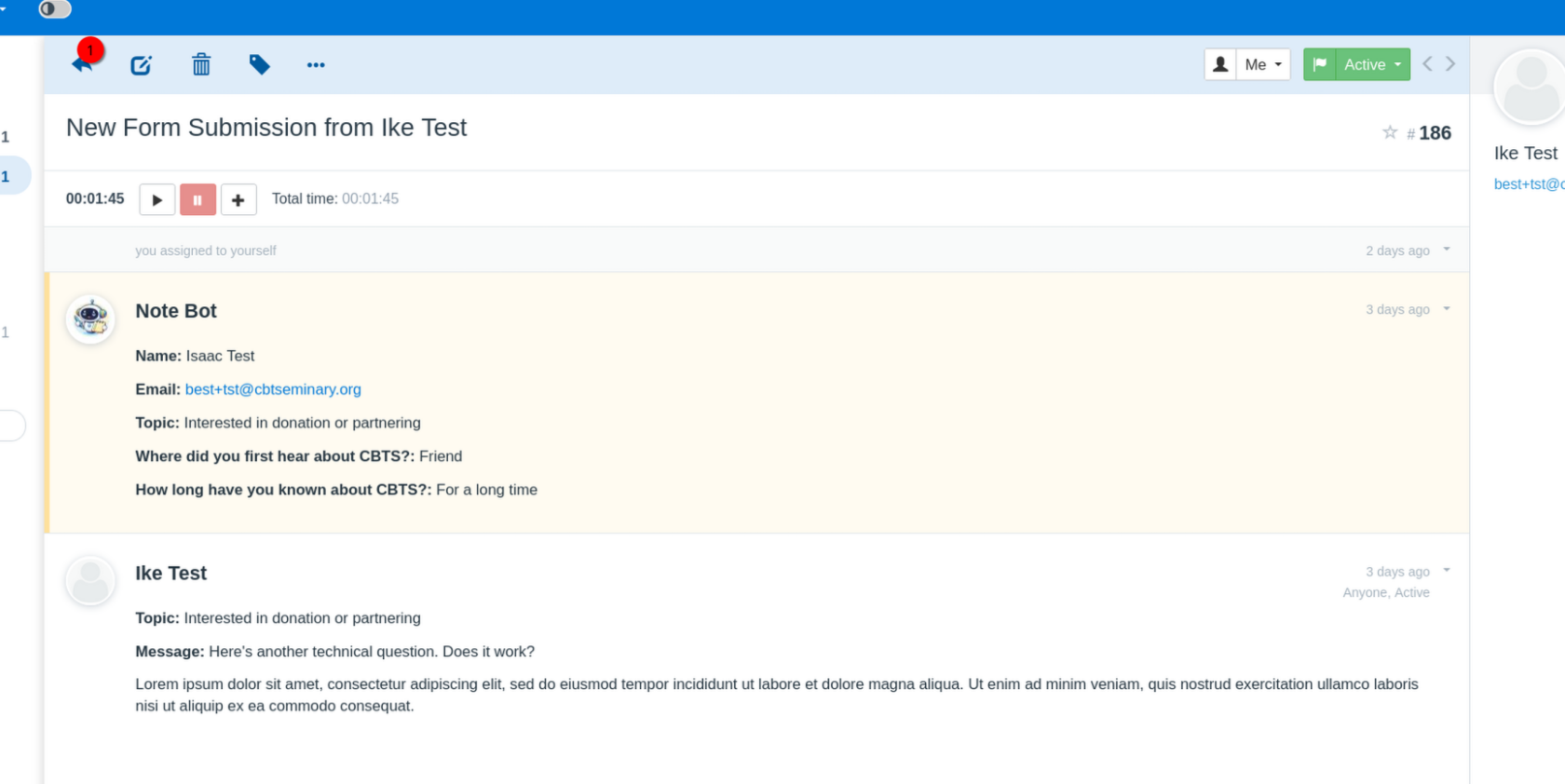
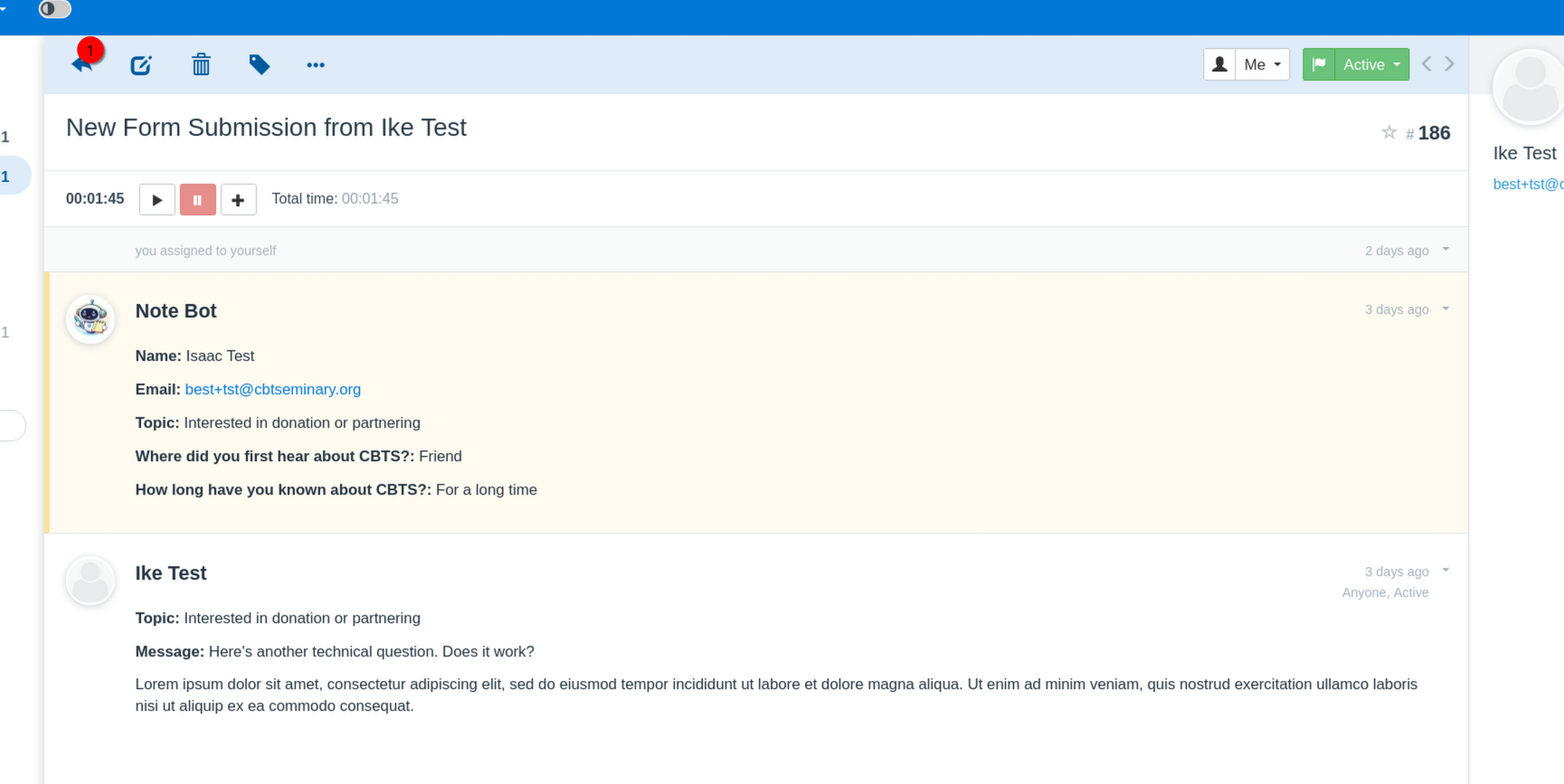
in the ticket view
, click the arrow on the top left of the ticket window area.
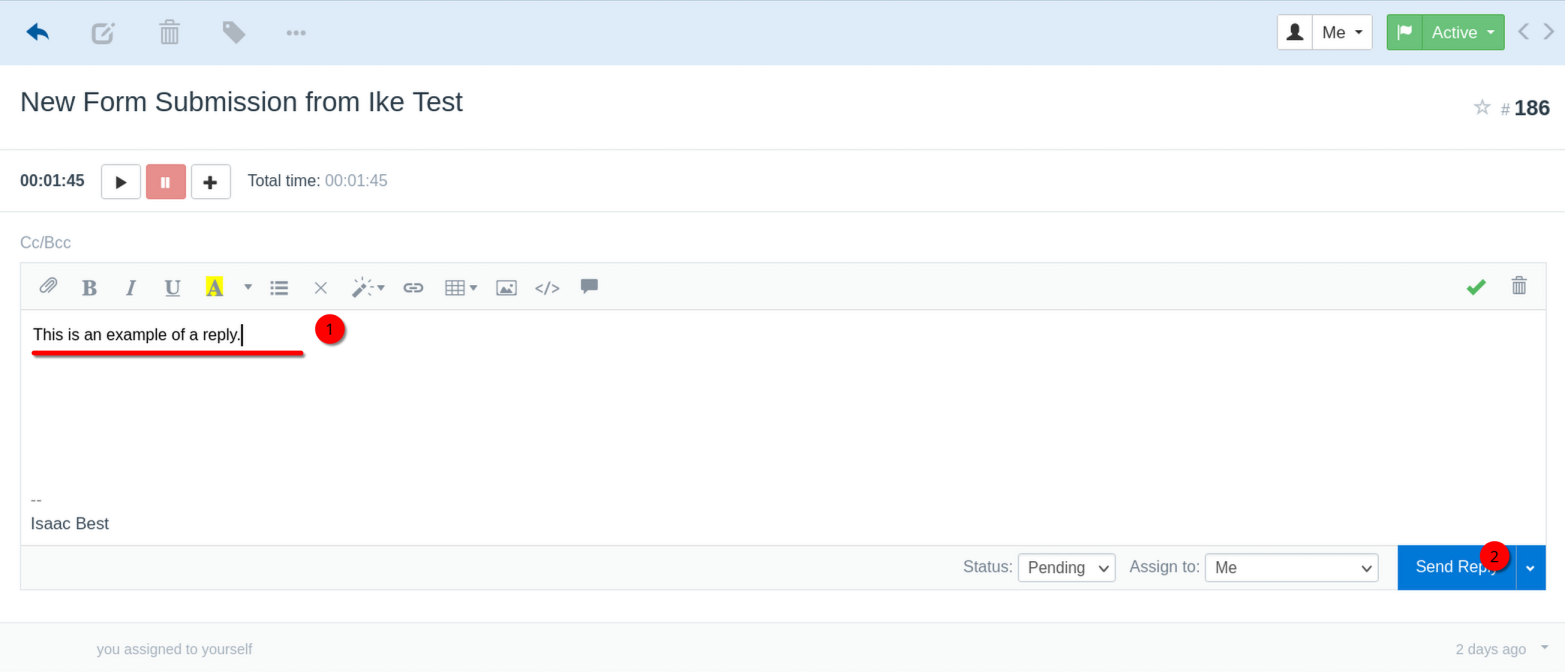
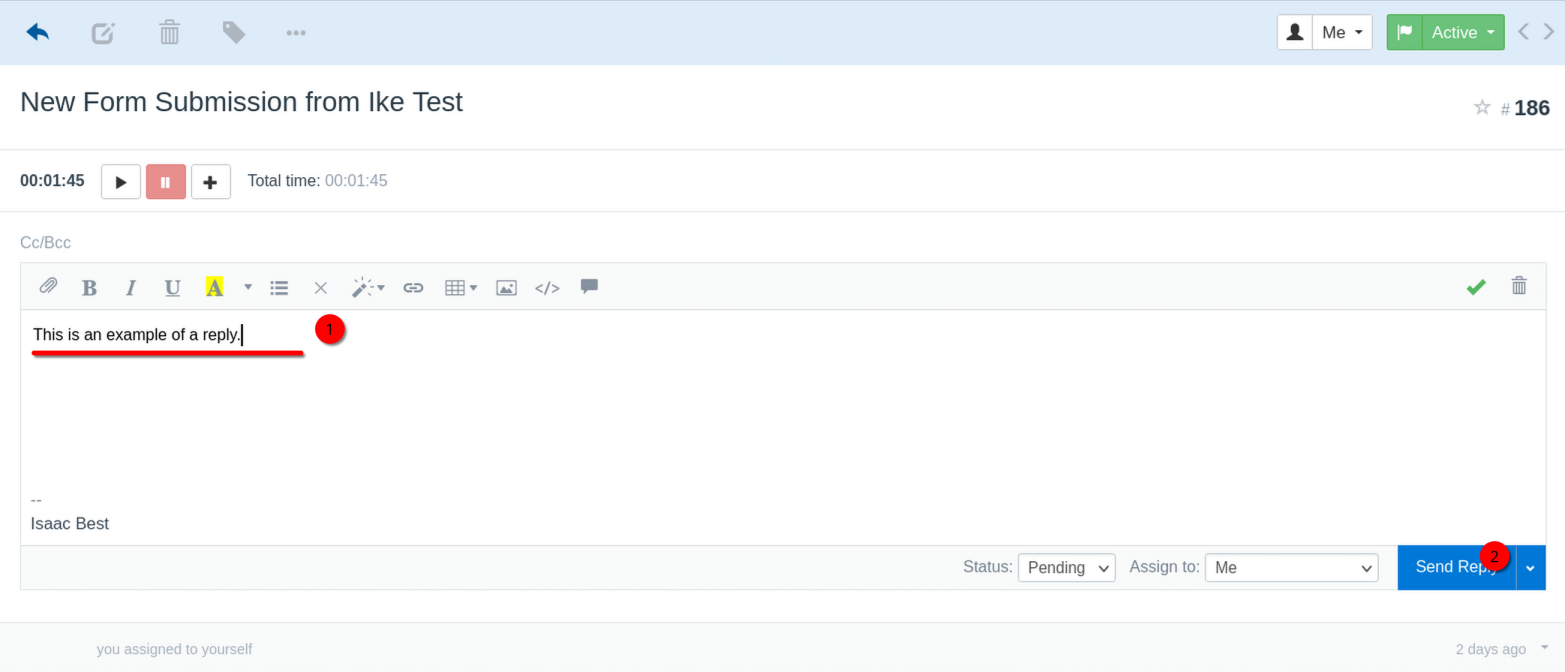
A reply section will open. Type your reply here, then click "Send Reply".
Your reply is sent.
Enter section select mode
Previous
Viewing Your Tickets
Next
Merging Tickets
Back to top